Best Times to Post on YouTube, TikTok & Instagram (2026)
The real answer to when you should post — general peak windows per platform, why your own data beats every chart, and how to find it in minutes.
Reader-supported — we may earn a commission from links on this page, at no extra cost to you. Details
Every “best time to post” chart you’ve seen is an average of millions of accounts that aren’t yours. Averages are a fine starting point — so here they are — but the real answer is that your audience has its own schedule, and finding it takes about five minutes of looking at the right dashboard.
The general peak windows (start here, then personalize)
YouTube: Long-form performs best published 2–4 hours before your audience’s peak watch time, giving the algorithm time to test it. For most Western audiences that means publishing weekday afternoons (2–5pm ET) and weekend mornings. Consistency of slot matters more than the slot itself.
TikTok: Engagement clusters on weekday evenings (6–10pm local) and surprisingly strong mid-morning (9–11am). TikTok’s algorithm cares less about post timing than any other platform — distribution happens over days — so timing is a tiebreaker, not a lever.
Instagram: Reels do best early morning (7–9am), lunch (11am–1pm), and evenings (7–9pm) in your audience’s dominant timezone. Stories follow your posting rhythm more than the clock.
Why your own data beats every chart
Averages break the moment your audience skews: a gaming channel’s audience is nocturnal, a productivity channel’s is up at 6am, a Spanish-language channel peaks on Madrid time even if you live in Texas. The platforms all give you this data:
- YouTube Studio → Audience tab → “When your viewers are on YouTube” — publish 2–3 hours before the purple peak.
- Metricool’s best-time heatmaps do this across every platform at once, overlaying your audience activity on the calendar as you schedule. It’s the single feature that ends the “when should I post” question permanently — you just drag the post onto a dark square. Our full Metricool review →
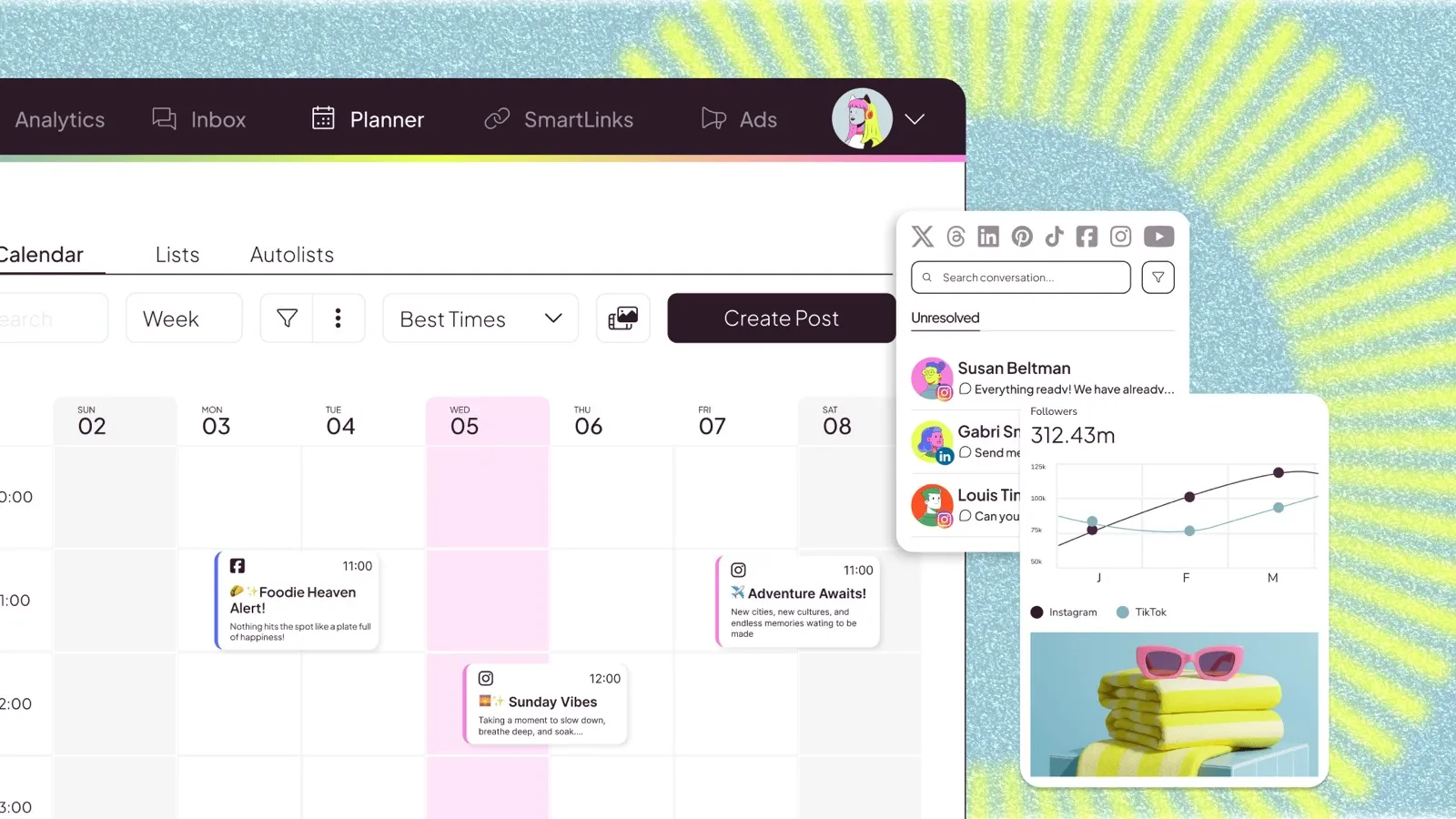 Metricool’s planner — your audience’s active hours overlaid directly on the scheduling calendar. (Image: Metricool)
The uncomfortable truth about timing
Timing is worth maybe a 10–20% swing on a video’s first hours. Packaging (title + thumbnail) is worth 10x that, and consistency is worth more than both — the algorithm and the audience both reward creators who show up on a predictable rhythm. Optimize timing last, after the thumbnail is strong and the schedule is real.
The 5-minute setup that solves this forever
- Connect your accounts to Metricool (the free plan covers this).
- Open the best-time heatmap for each platform.
- Set a weekly posting schedule that hits your top 2–3 windows.
- Revisit quarterly — audience timezones drift as you grow.
That’s it. Stop googling charts (we say, in a chart article) — your audience already told the platforms when they’re around.

